Receiving Parts
When the parts arrive, click the line's status (now Ordered) and pick Receive. Fill in the supplier invoice and confirm what came in. If only some of the order arrives, mark those lines and come back when the rest shows up — the line will sit at Partially Received in between.
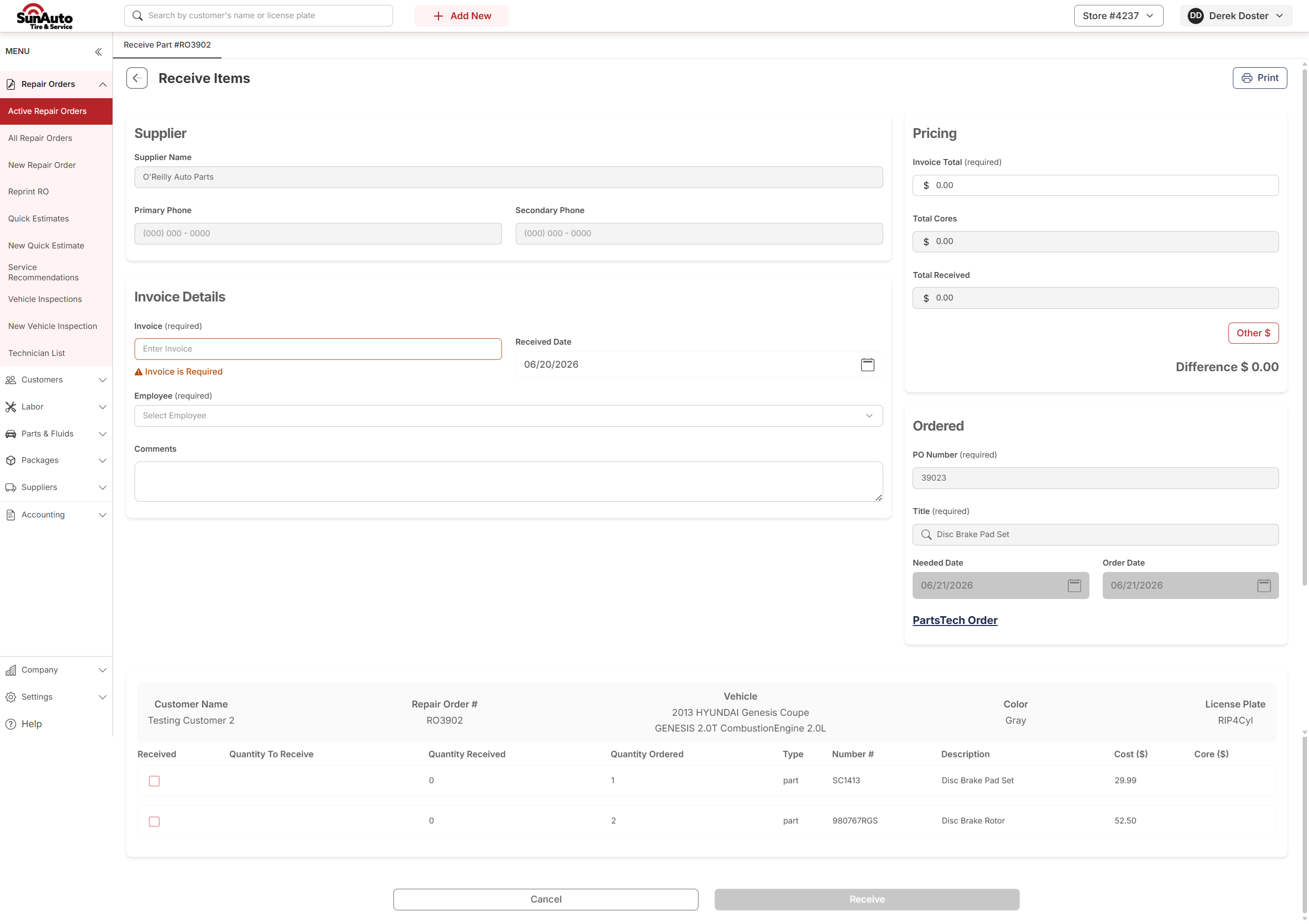
Step 1 — The Receive Items page opens. Required fields are flagged at the top: Invoice (the supplier's invoice number), Received Date, and Employee (who's receiving). The line you triggered from is in the table at the bottom along with anything else on the same order.
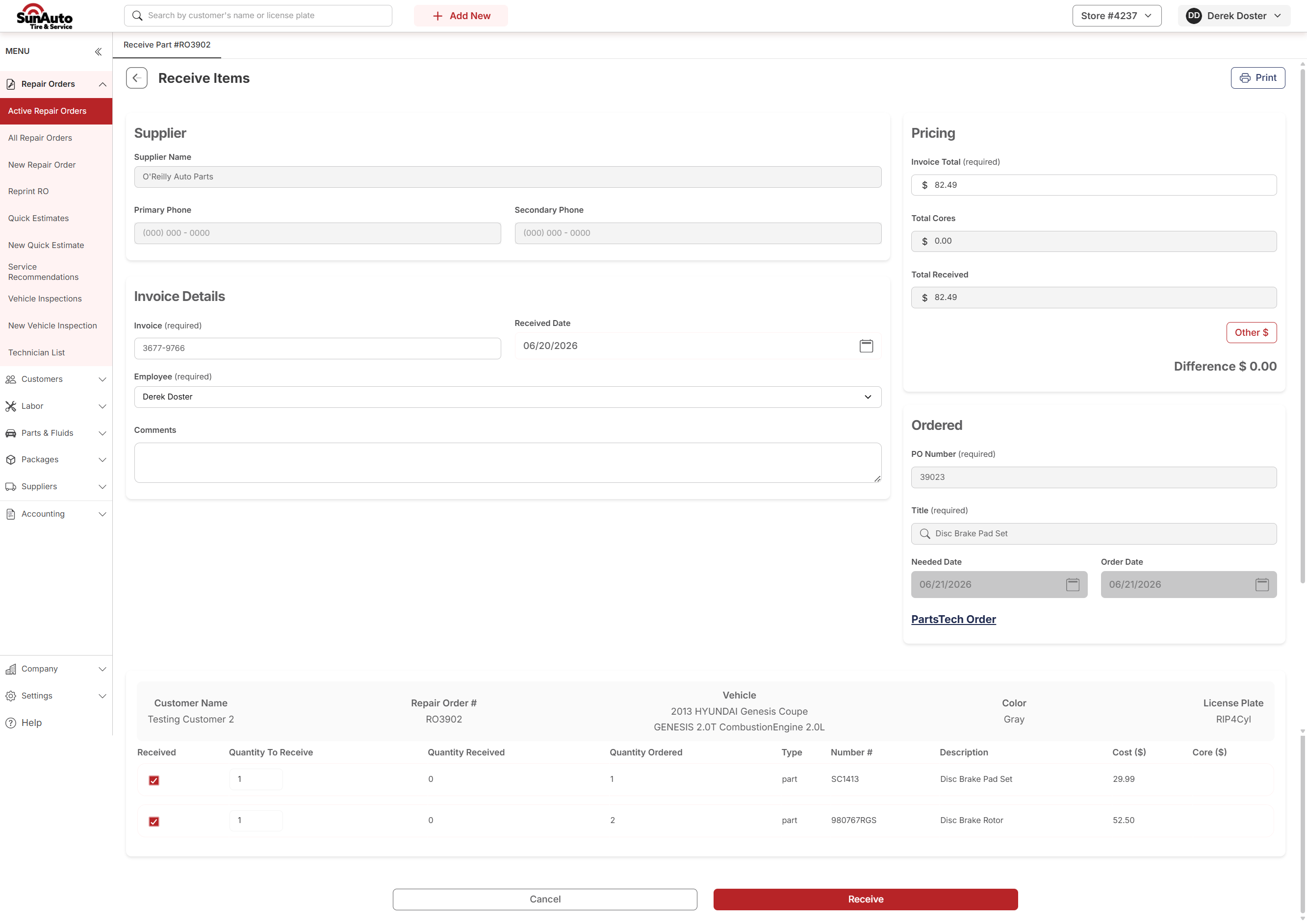
Step 2 — Fill in the invoice and check off what arrived. Enter the supplier invoice number, set yourself as the Employee, and check the lines that actually showed up. Adjust quantities if the supplier shorted you. Invoice Total on the right updates as you check lines — match it against the paper invoice before clicking Receive.
Step 3 — Back on the RO, the line statuses update. A line that fully arrived shows Received. A line short on quantity shows Partially Received — the rest stays on order. The job's subtotal is unchanged — you've only recorded what came in, not what was billed.

Step 4 — When the rest arrives, receive again. Click the Partially Received status on the line and pick Receive. The Receive Items page opens again with just what's outstanding — fill in the new invoice and finish out the line. The status flips to Received.

A few tips
- Match the invoice total before clicking Receive. The on-screen Invoice Total should equal what's on the paper. If it doesn't, double-check the cost on each line — the supplier may have invoiced at a different rate than the quoted cost.
- Partial deliveries are normal. Suppliers ship in chunks all the time. Mark what's there now; the line goes Partially Received and waits for the rest.
- Invoice numbers carry forward. When you complete a partial in a second pass, use the second delivery's invoice number — don't reuse the first.